Character Creator
Build your own researcher, give it a voice and a backstory, then spawn it on stream by its Spawn ID.
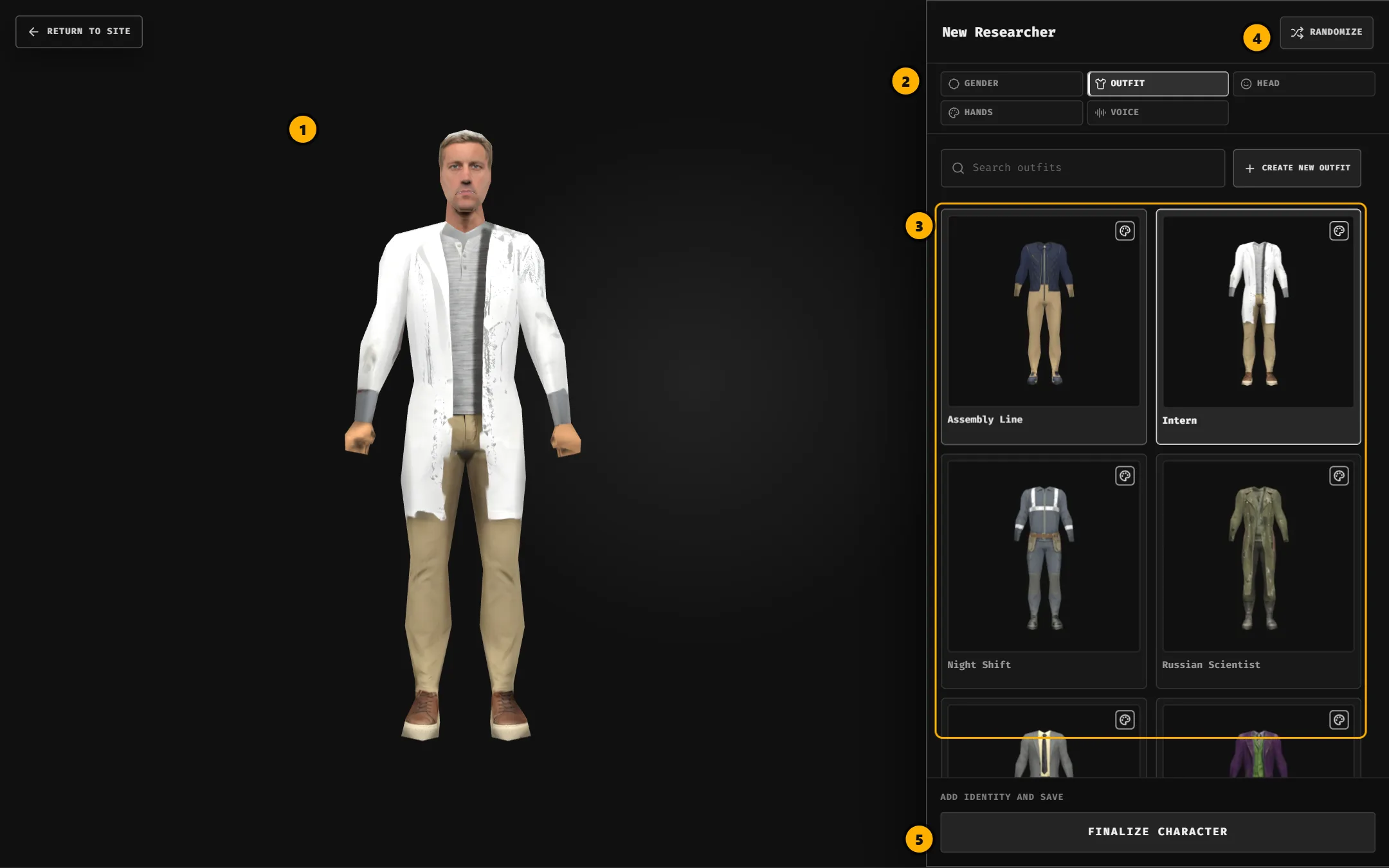
How it works
- Customize: pick gender, outfit, head, hand color and voice.
- Finalize: capture a thumbnail, name it, write who they are, then save.
- Publish: once its images render, make it public and use its Spawn ID in chat.
Before you start
- You need to be signed in. Characters belong to your account.
- Open it from Characters → Create or go there directly.
- Works on phones, but desktop is recommended: more room for the preview and item grids.
Saving is always private. Nothing appears in the Gallery or on stream until you publish.