Customize
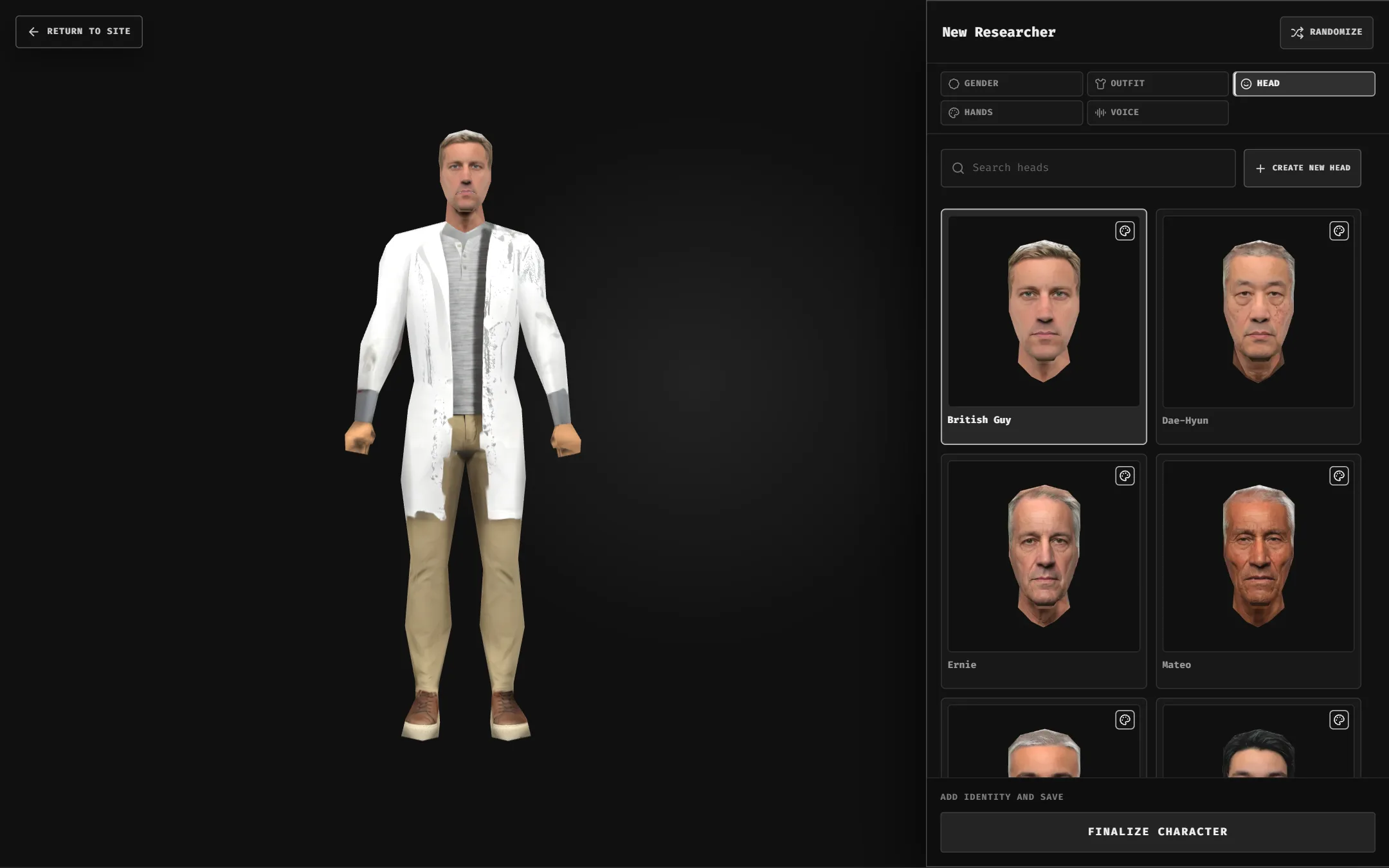
Every new character starts with a random look. Change it one tab at a time; the preview updates live.
Tabs
- Gender: Male or Female. Sets which heads and outfits are available.
- Outfit / Head: pick from the catalog or your own wardrobe. Search by name.
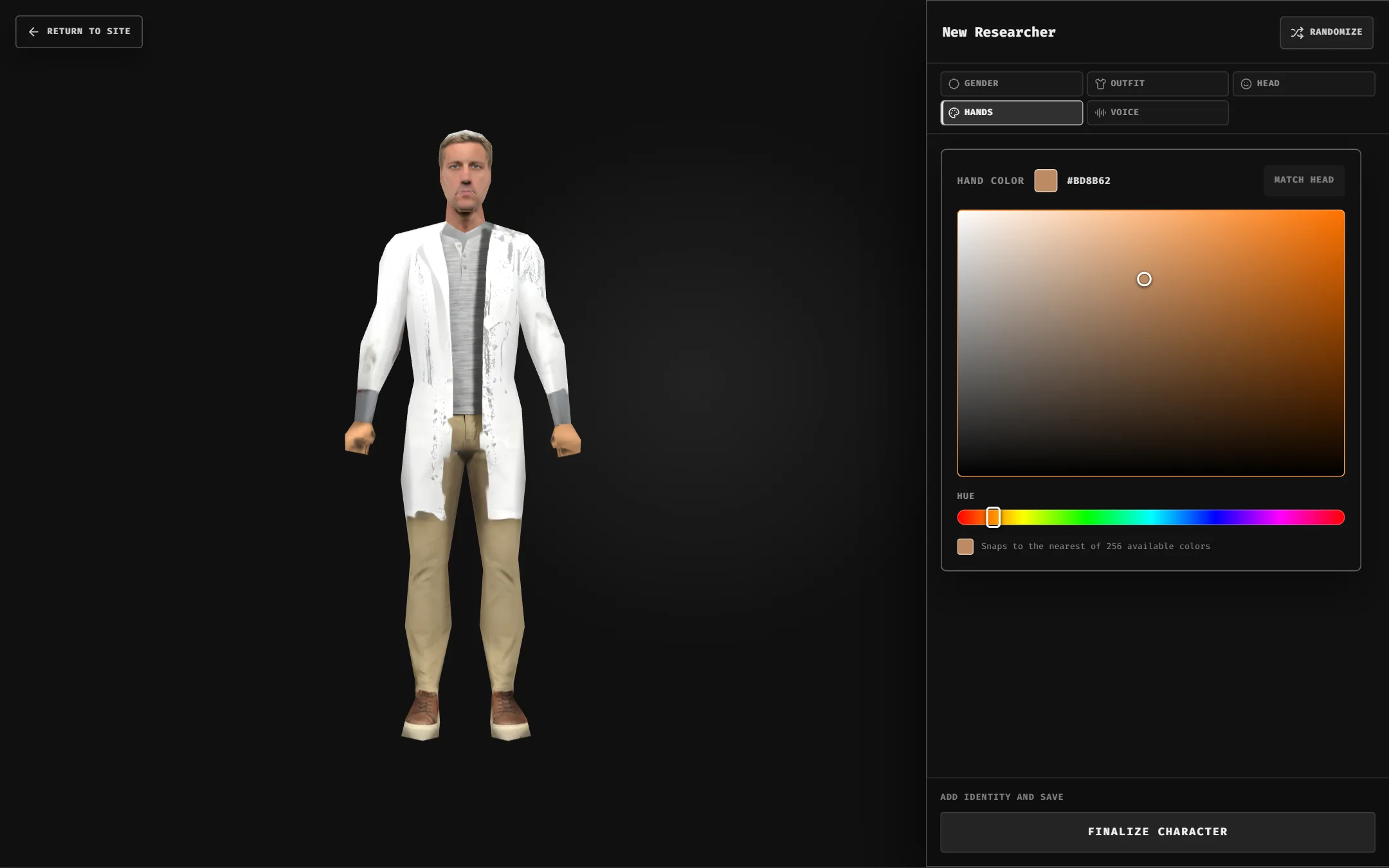
- Hands: drag the hue slider and color field. Match Head resets to the head's suggested color.
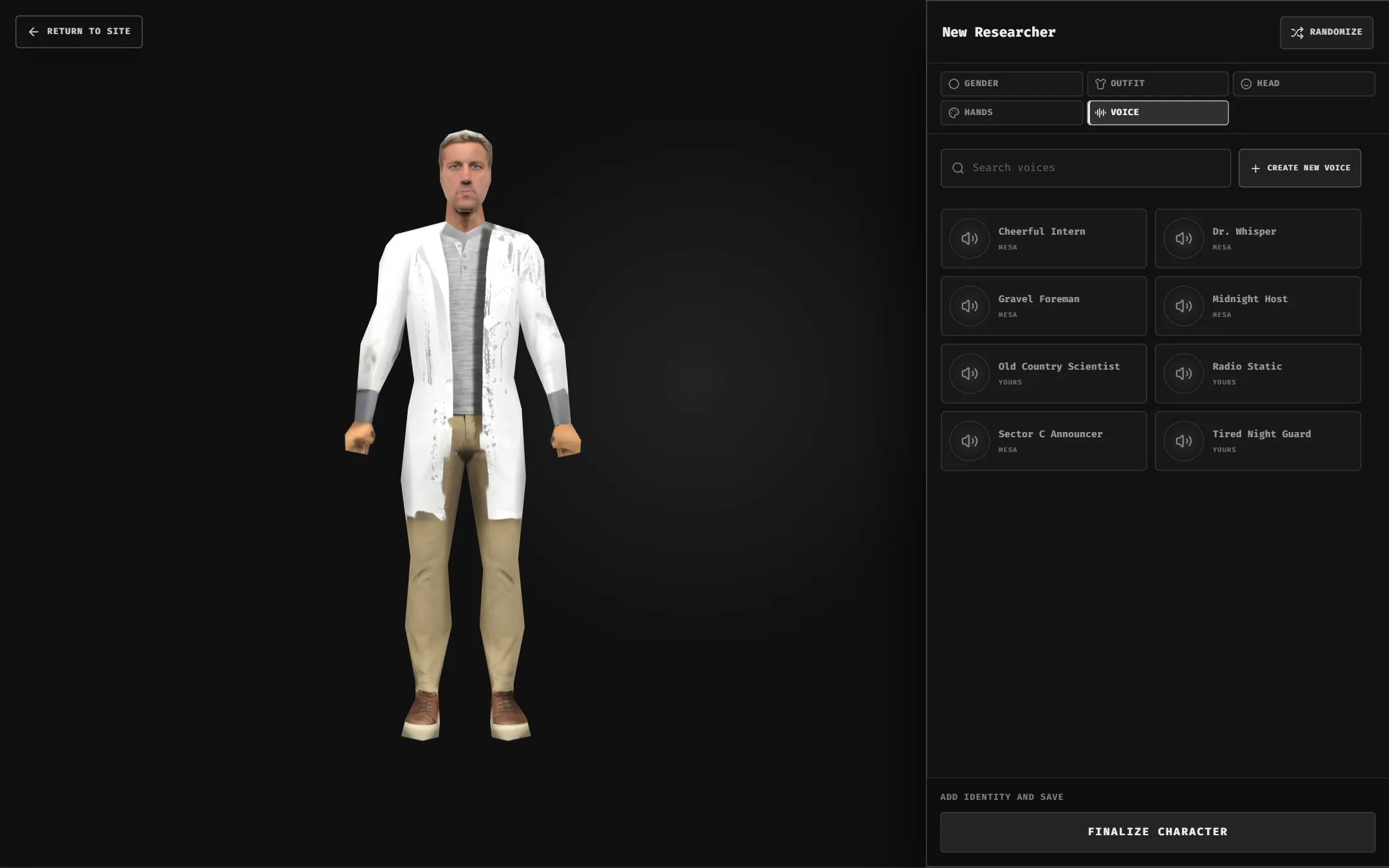
- Voice: selecting a voice equips it and plays a preview. No voice = the default system voice.
- Randomize: new random head and outfit in one click.
Switching gender clears your head and outfit picks.
Hand color follows the head until you pick one yourself.
Randomize keeps gender and resets hand color to match the new head.
Make your own items
Create New Head / Outfit generates an item from a description: see Item Workshop. Create New Voice designs or clones a voice: see Custom Voices.